01
Custom page architecture
Plan home, service, location, company and resource pages around distinct user intent instead of forcing every page into one template.
WordPress web design Vancouver
Build a custom WordPress website that makes your services easier to understand, gives your team practical control over content and creates room for new pages, locations, resources and campaigns as the business grows.
We plan WordPress websites around business goals, user journeys, local search structure, responsive design and realistic content management—not around installing a theme and filling it with generic sections.
WordPress web design is the planning, design and development of a website using WordPress as its content management system. A professional project can include sitemap planning, custom page layouts, reusable content structures, responsive development, SEO-ready hierarchy, forms, integrations, editor controls, launch preparation and an ongoing maintenance plan.
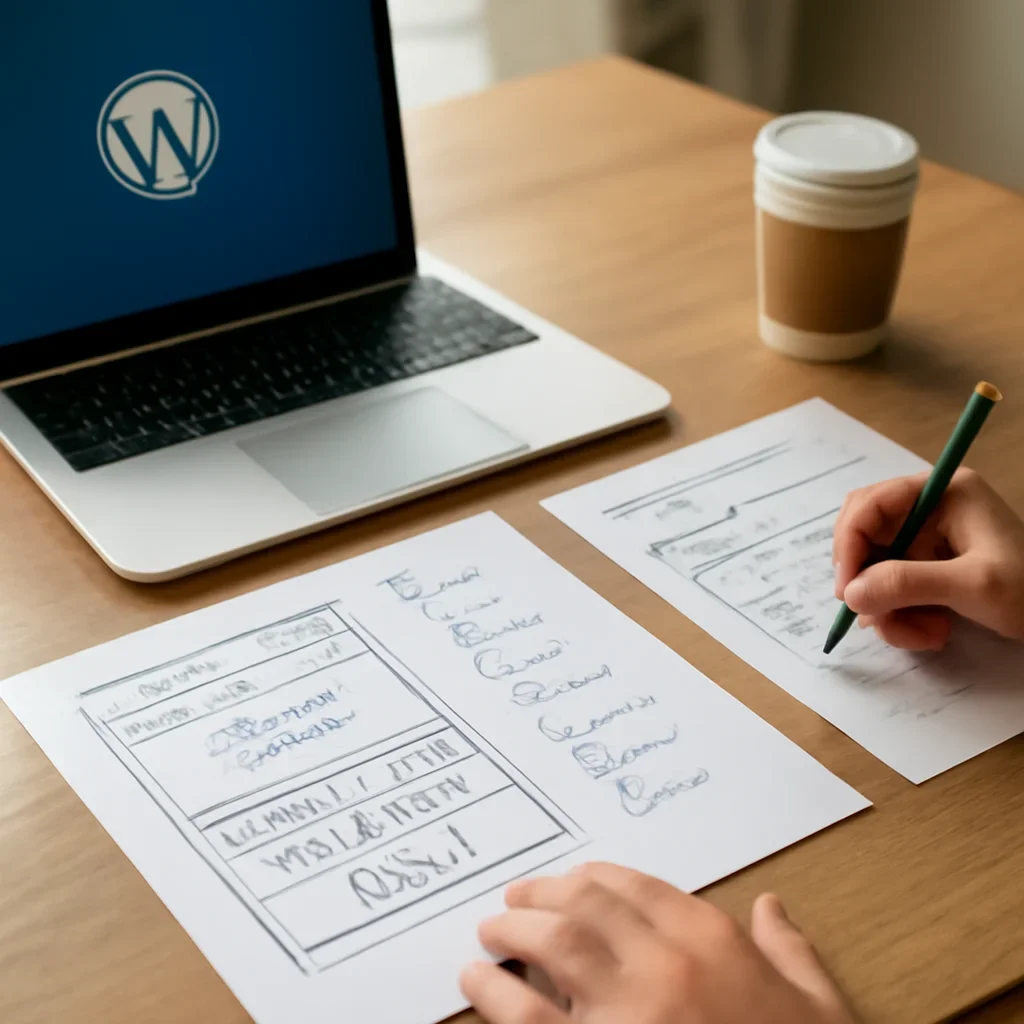
WordPress is most useful when the website’s content model, page system and editing responsibilities are planned before development.
Why businesses choose WordPress
Many Vancouver companies need more than a simple brochure website. They may have several services, multiple locations, case studies, team profiles, FAQs, resources and ongoing campaigns that need to stay connected.
WordPress can support that depth when templates, content types and editing permissions are designed carefully. The goal is to give the business useful control while protecting consistency, performance and the customer journey.
WordPress website capabilities
The strongest WordPress projects define what the business needs to publish, who will manage it and how every page supports the wider customer journey.
Plan home, service, location, company and resource pages around distinct user intent instead of forcing every page into one template.
Create consistent systems for recurring content while keeping important pages flexible enough for stronger storytelling.
Use logical headings, internal links, crawlable navigation and clear page roles for services, locations and supporting content.
Set up routine editing so approved team members can update key content without rebuilding layouts or breaking design consistency.
Connect inquiries, bookings, newsletters or approved tools where they support a real operational or conversion requirement.
Plan updates, backups, testing and support as part of the website lifecycle rather than treating launch as the final step.
Vancouver WordPress website reality
A Downtown professional firm may need practice areas, leadership profiles and insight publishing. A Kitsilano clinic may need service pages, practitioners, FAQs and booking pathways. A Mount Pleasant creative or technology company may need case studies, landing pages and recruitment content. An East Vancouver trades business may need service-area pages, fast mobile calls and practical lead forms across Vancouver and nearby cities.
Professional services often need structured expertise, team content, industry pages and high-trust consultation journeys.
Clinics and neighbourhood businesses benefit from clear service content, local relevance and simple booking or inquiry routes.
Creative, technology and growth-focused companies may need case studies, campaigns, resources and flexible publishing.
Trades and service-area businesses need focused services, real geographic coverage and mobile-friendly conversion paths.

The platform should support the way the business actually publishes, reviews and maintains content after launch.
What is included
A useful WordPress scope should define the page system, content model, integrations, editor responsibilities and maintenance needs before development moves too far.
WordPress works well when the website needs several services, locations, resources, team profiles or other structured content that will grow over time.
An existing website can be rebuilt or migrated while preserving useful content and URLs, subject to a content and redirect review.
Businesses focused mainly on standardized ecommerce may also need to compare WordPress with Shopify based on operations, product management and integration requirements.
WordPress web design process
Each stage resolves a different planning question so design, content management and development remain aligned.
Clarify services, audiences, locations, content types, integrations, editors and the actions the website should support.
Map page hierarchy, recurring content, categories, navigation and internal relationships before design production.
Create responsive templates and flexible sections that protect consistency while supporting necessary variation.
Implement templates, forms, editor controls and approved functionality according to the agreed technical scope.
Check content, responsive behaviour, forms, links, editor workflows and post-launch responsibilities before publishing.
Clear editor rules and reusable templates reduce the risk of inconsistent pages after the website is handed over.
Experience, expertise and trust
The platform is only the foundation. Trust comes from accurate business information, specific services, visible expertise, useful proof and transparent customer pathways.
Is WordPress the right platform?
WordPress is highly flexible, but the right decision depends on how the business publishes content, manages products or services and supports the site after launch.
It is a strong fit for service businesses, multi-location organizations, publishers and companies that need custom content structures.
Stores should compare product operations, payments, integrations, ownership and maintenance before choosing WordPress or Shopify.
WordPress gives flexibility, but it also requires responsible updates, backups, testing and ongoing technical care.
Explore the right next step
Use the page that best matches your platform decision, SEO need or post-launch support requirement.
WordPress web design questions
These direct answers cover platform fit, customization, SEO, editing, migration, maintenance and ownership.
WordPress can be a strong choice for service businesses, multi-location companies and content-led organizations that need flexible page structures and ongoing publishing. The right fit depends on functionality, editing needs, maintenance capacity and long-term plans.
Yes. WordPress can support custom layouts, reusable design systems and structured content without relying on a generic prebuilt theme. The level of customization should be defined in the project scope.
WordPress can support SEO-friendly headings, navigation, internal links, service pages, location pages and structured content. Search performance still depends on content quality, technical implementation, authority, competition and ongoing optimization.
Routine content can be made editable through defined fields, templates and permissions. The editing experience should balance flexibility with controls that protect layout consistency and important functionality.
Yes, depending on the existing platform and content. The migration should review current URLs, useful pages, media, forms, integrations, redirects and SEO considerations before the new site launches.
Yes. WordPress core, themes and plugins require updates, backups, testing and periodic review. The maintenance plan should define who is responsible and how updates are handled safely.
The business should have documented ownership or administrative access to the domain, hosting, WordPress administrator account and essential third-party services. Access and responsibilities should be clear before launch.
Prepare your current website, priority services, required pages, editing needs, integrations, examples you like, available content, timeline and the business result the new WordPress site should support.
Start your Vancouver WordPress website project
Share your current website, page requirements, editing needs, integrations and future content plans. The first step is to define the right sitemap, WordPress structure and project scope.