01
Restaurant Positioning
Clarify the cuisine, dining style, ideal occasions and distinctive experience without relying on vague promotional language.

Restaurant Web Design Vancouver
Build a restaurant website that makes your menu, location, hours, atmosphere and reservation options easy to find on any device.
We design restaurant websites for Vancouver dining businesses that need stronger local presentation, easier mobile navigation and a more direct path from online discovery to reservations, calls, directions and dining inquiries.
A restaurant website should include current menus, opening hours, address and directions, telephone information, reservation options, authentic dining photography and clear information about the type of experience offered. It may also include group dining, private events, takeout, accessibility and dietary information when those details are accurate and relevant to the restaurant.
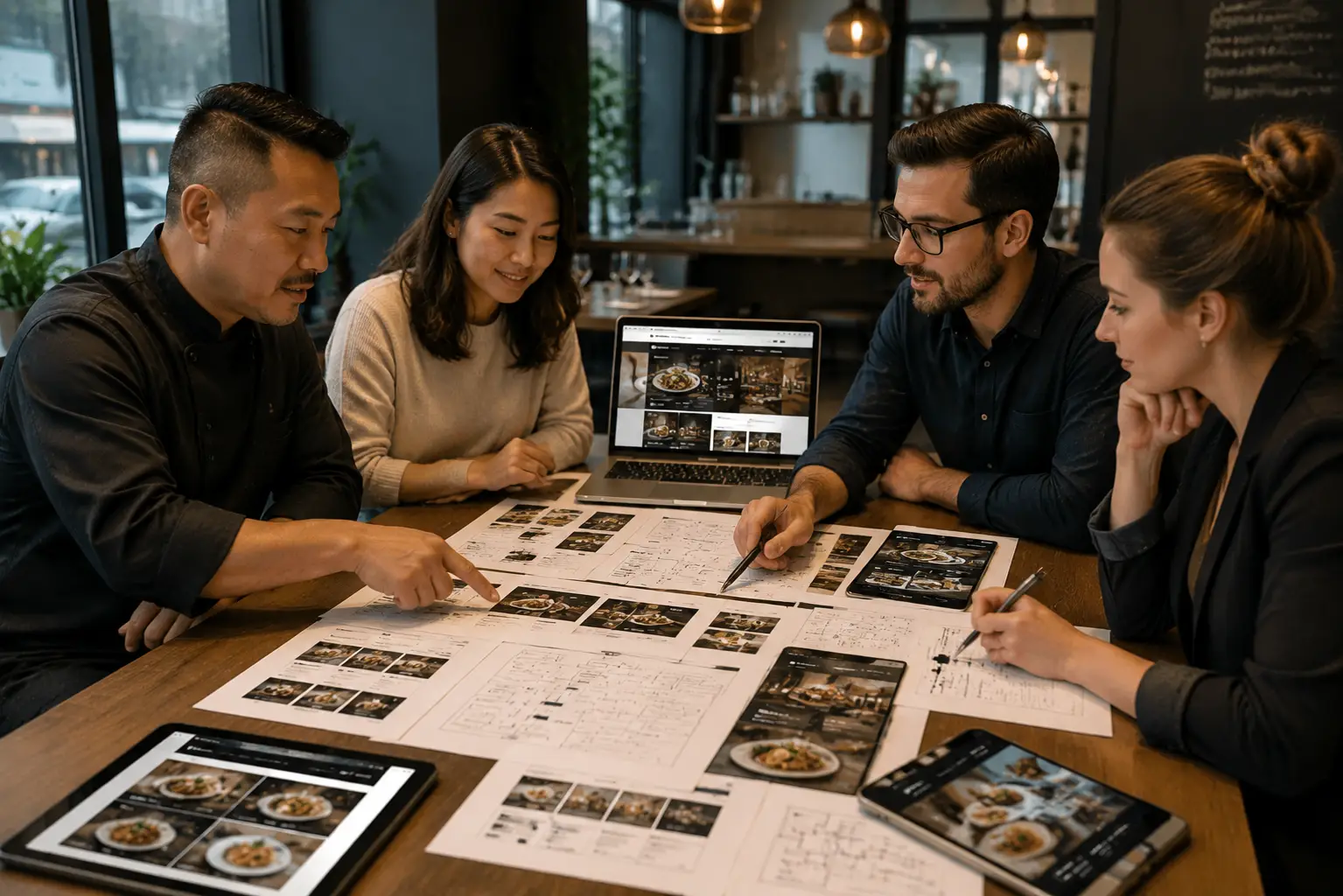
Restaurant website planning should connect menus, hours, location, dining context and the fastest path to a reservation.
Why restaurant website usability matters
Most restaurant visitors want to know what is served, whether the restaurant is open, where it is located and how to reserve a table. When those answers are hidden inside large images, outdated files or confusing navigation, diners may choose another nearby option.
A strong restaurant website gives priority to current information and high-intent actions while still communicating the atmosphere, cuisine and personality of the business.
Restaurant website design services
The design should help diners complete a real action while giving them enough information to decide whether the restaurant suits the occasion.
Clarify the cuisine, dining style, ideal occasions and distinctive experience without relying on vague promotional language.
Organize food, beverage and meal-period information in a format that remains easy to read and update.
Place booking, telephone and inquiry actions where diners are most likely to need them.
Keep address, opening hours, directions and arrival information visible across key pages.
Create a separate path for group bookings, event inquiries and higher-value dining occasions when offered.
Refine menus, booking buttons, calls and map actions for diners researching from their phones.
Vancouver restaurant reality
A Downtown lunch restaurant, Gastown dinner destination, Kitsilano neighbourhood café and Commercial Drive family restaurant may all need different information and reservation pathways. Hyperlocal relevance should come from real dining context, not repeated neighbourhood names.
Restaurants serving office lunches, pre-event dining or evening reservations may need prominent hours, booking links, directions and group-dining information.
Destination restaurants can benefit from stronger atmosphere, cuisine, arrival guidance and reservation expectations for diners unfamiliar with the area.
Neighbourhood dining businesses may need accessible mobile menus, patio or seating information, local contact details and convenient booking or walk-in guidance.
Independent restaurants, cafés and bars often benefit from a more distinctive visual identity, current menu content and direct information about the dining experience.
Restaurant information hierarchy
The homepage should quickly answer the questions most diners ask before visiting. Supporting pages can then provide more detail about menus, groups, events, the restaurant story and other experiences.
Menu content should be readable without forcing mobile visitors to zoom into a small document. Web-based menu content can also be easier to update and navigate.
Hours, address, telephone information and reservation links should remain consistent across the homepage, contact page and other customer-facing profiles.
A private-event or large-group inquiry may need different fields and information from a standard table reservation.
The website should make it practical to update menus, holiday hours, special events and temporary announcements without rebuilding the page.
Mobile restaurant conversion
Restaurant searches often happen shortly before a visit. Mobile visitors should be able to view the menu, confirm hours, call, find directions or reserve without working through a desktop-style page.

A restaurant website process should connect the brand, dining experience, menu content and reservation journey.
Restaurant web design process
The project begins with the restaurant concept, customers, menus and booking process before layouts and visual design are finalized.
Clarify cuisine, dining style, meal periods, customers, neighbourhood context and current website problems.
Organize menus, location details, reservation paths, group inquiries and other important dining information.
Define the restaurant message, photography requirements, information hierarchy and trust elements.
Create responsive layouts for menus, calls, directions, bookings and event inquiries.
Check menu content, hours, address, booking links, forms and mobile usability before publication.
Restaurant experience, authenticity and trust
Restaurant trust comes from current menus, authentic imagery, consistent business information and clear dining expectations—not unsupported claims or stock photography presented as the restaurant.
Reservation-focused conversion
A table reservation, large-group request and private-event inquiry are different customer journeys. Separating them can reduce confusion and help the restaurant collect more useful information.
Send regular table bookings directly to the restaurant’s approved reservation pathway.
Ask for date, group size, occasion and contact information when a standard reservation system does not suit larger parties.
Use a dedicated page when the restaurant offers event spaces, buyouts, set menus or other higher-value dining experiences.
When offered, keep ordering pathways separate from table reservations so customers can choose the correct action quickly.
Restaurant website pricing
A focused single-location restaurant website requires a different structure from a hospitality group with several concepts, menus, locations, event spaces and reservation systems.
A useful quote should identify the required menus, page types, photography, booking connections, group inquiry needs and ongoing content-update requirements.
Share the current website, menu structure, location information, reservation platform, event offerings, imagery and desired launch timing.
Multiple locations, several menus, private-event content, custom integrations and extensive photography generally require more planning.
The restaurant can begin with its priority menu, location, reservation and contact experience, then add events, stories and supporting content.
Restaurant website questions
These answers cover menus, reservations, local SEO, mobile design, photography, multiple locations and website redesigns.
Most restaurant websites need a homepage, menu section, location and hours information, reservation access and contact details. About, group dining, private events, takeout and multiple-location pages should be added when they reflect real offerings.
A PDF can be offered as a secondary option, but important menu content should remain easy to read on mobile devices. A web-based menu may provide a clearer experience and make individual items easier to navigate.
Local SEO can be supported through accurate restaurant details, clear cuisine and menu content, neighbourhood context, internal links and distinct location pages when the business has real locations. Repeating the same page for several neighbourhoods is not a strong local strategy.
The website can link or connect to an approved reservation pathway when the platform and project scope support it. The reservation experience should be tested across desktop and mobile devices before launch.
Useful photography can include signature dishes, the dining room, exterior, bar, patio and other genuine parts of the experience. Images should accurately represent the restaurant and should be used with permission.
Yes. Each real location can have distinct hours, address, contact details, menus and reservation information. The structure should make it clear which information belongs to each location.
Yes. A redesign can improve menu access, mobile usability, reservation paths, visual presentation and local information while retaining useful content and important URLs where practical.
Share the current website, restaurant concept, menus, hours, address, reservation process, photography, event offerings and the main problems the new website should solve.
Restaurant website resources
Use these related services and resources to improve restaurant usability, mobile presentation and reservation conversion.
Start your restaurant website project
Share your menus, location, reservation process, event offerings and current website. You will get clearer direction on information hierarchy, mobile usability, local relevance and the most practical next step.
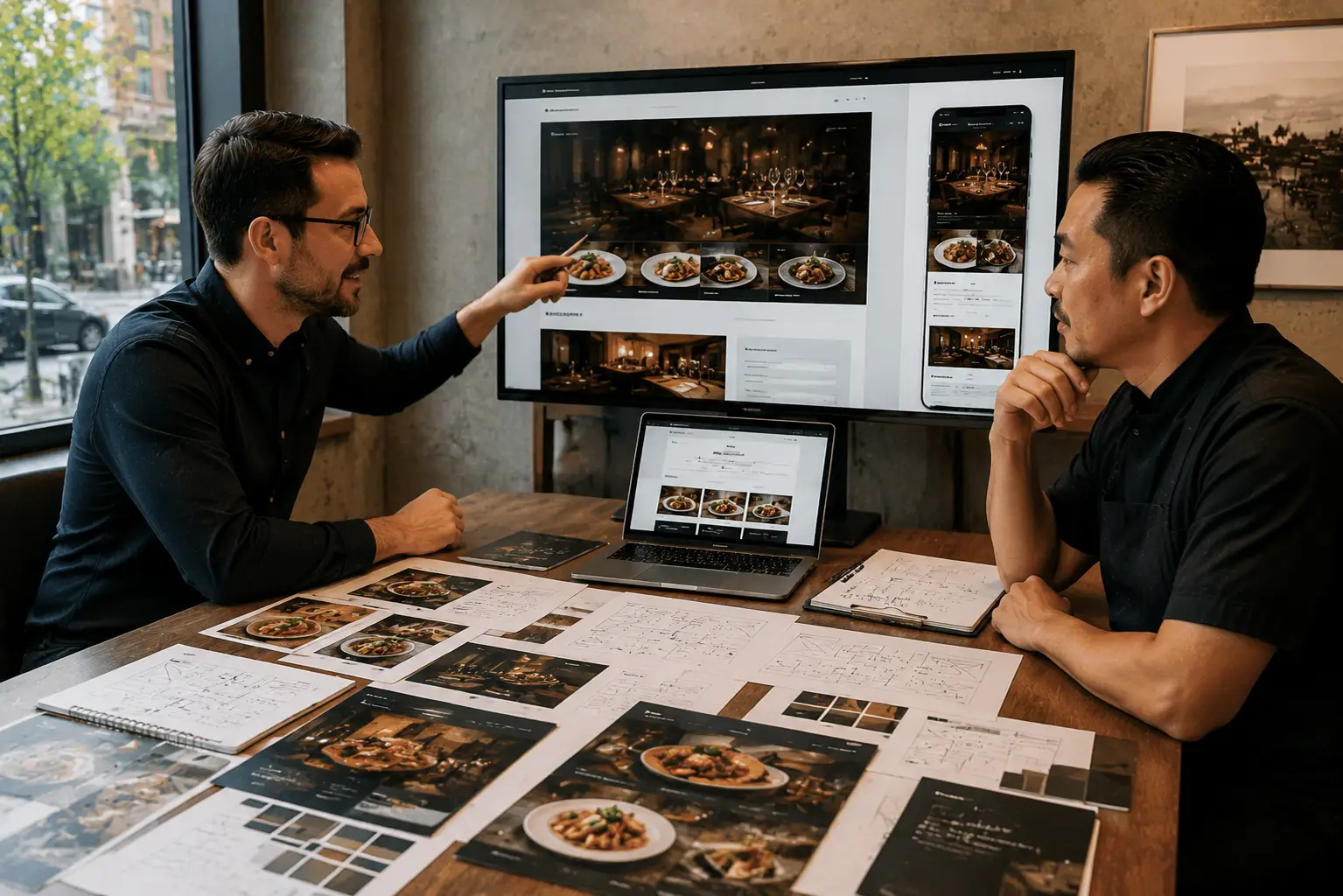
Start with the restaurant’s menus, location and reservation process, then build the website around the diner’s next decision.