01
Custom page structure
Plan the sitemap, service hierarchy and conversion path first, then design reusable page sections around that structure.
Template website alternative
If a template is forcing your content, services or customer journey into the wrong structure, the better alternative is a website system planned around the business first.
This page is for Vancouver businesses evaluating what to do when a template no longer fits. For a full side-by-side custom website vs template comparison, use the dedicated comparison guide instead.
A professional website alternative is a custom or semi-custom system where the sitemap, page hierarchy, reusable sections and conversion paths are planned around your actual business requirements. It does not mean every line of code must be built from scratch; it means the website is not forced to follow a preset theme when that theme no longer fits.
Recognize the real limitation
A template can be efficient for a straightforward website. The problem starts when the layout dictates what can be said, where proof can appear, how services are organized or what the next action must look like.
Common website template limitations are structural rather than purely visual. They show up when content has to be shortened to fit blocks, important pages feel repetitive, mobile actions are awkward or new services require increasingly fragile workarounds.
What to use instead
The right replacement depends on how much of the existing website is worth keeping and how different the future requirements are.
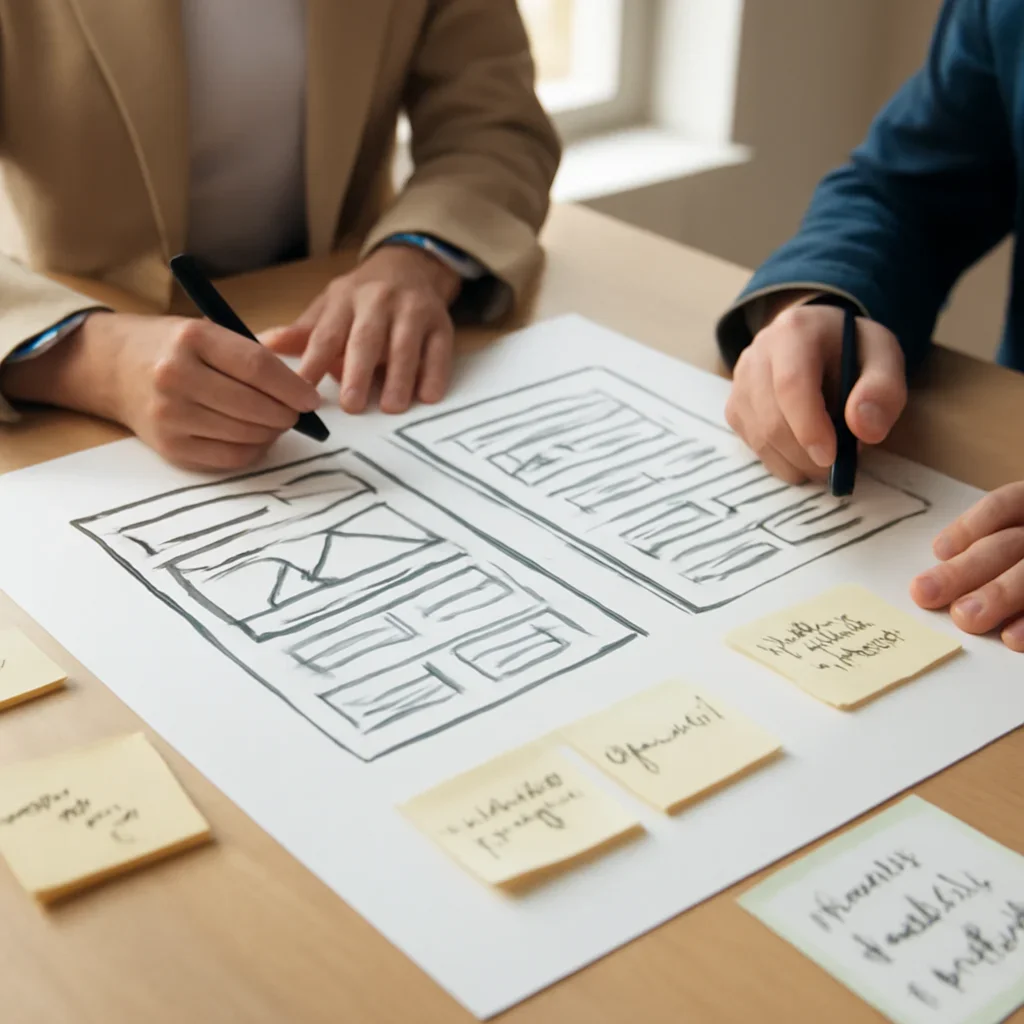
Plan the sitemap, service hierarchy and conversion path first, then design reusable page sections around that structure.
Custom web design instead of a template can still use a familiar CMS. The difference is that editors work within a system designed for the business rather than a generic theme.
If the existing site has useful content or search visibility, priority pages can be improved first while the rest of the migration is planned carefully.
Where custom becomes useful
The strongest custom website benefits usually appear when the site has to organize more than a few simple pages. A growing business may need different service paths, proof near high-intent decisions, local landing pages, integrations or a reusable content system for future expansion.
Different services can have different proof, FAQs, calls to action and supporting resources without forcing every page into one layout.
Location architecture can be planned so local pages stay useful and distinct instead of becoming thin copies of one template.
Forms, consultation paths and service qualification can be tailored to the intent of different visitors.
Booking, CRM, ecommerce and workflow integrations can be considered at the architecture stage instead of added later as patches.

Move away from a template carefully
A template replacement should start with an audit, not a blank canvas. The goal is to protect useful content and URLs while removing the structural constraints that caused the problem.
Identify useful pages, URLs, rankings, content, forms and integrations before deciding what should change.
Map services, audiences, locations, resources and the main conversion journeys the new system must support.
Create a consistent design system that supports different page types without returning to rigid one-off layouts.
Preserve important URLs where possible, redirect changed paths, test forms and review mobile layouts before launch.
Choose the right next page
This page owns the “template website alternative” question. Use the links below for adjacent intents instead of repeating those topics here.
Template website alternative FAQ
These answers stay focused on replacement and migration rather than duplicating the full comparison or pricing pages.
For a business that has outgrown a preset theme, the best alternative is usually a flexible website system planned around its services, content and conversion needs. That may be a fully custom build or a custom design system inside a familiar CMS.
Not always. Useful pages, content, URLs, integrations and rankings should be reviewed first. A phased redesign can be safer when only part of the current template is creating problems.
Often, yes. The decision is not simply custom web design vs website builder. A builder or CMS can remain the editing platform while the page system, layouts and components are redesigned around the business instead of around a stock theme.
A template can still be a practical choice when the site is small, the offer is straightforward, the required functions already work well and the available layout fits the content without major compromises.
Use the custom web design vs template website comparison. That page is the primary URL for side-by-side trade-offs, while this page focuses on what to do when you need an alternative to website templates.
Plan the replacement around your real scope
Share your current website, the template limitations you are running into and the services or functionality you need next. We can recommend whether a targeted redesign, phased migration or custom website is the better direction.
For cost questions, use the website design pricing page. For a full side-by-side decision, use the custom vs template comparison.