01
Strategy and Page Purpose
- Every page has one clear role
- Primary audiences can find the right path
- Navigation reflects business priorities
- Calls to action match visitor intent
- Unnecessary draft pages are removed

Vancouver website launch checklist
Use this practical pre-launch website checklist to review content, local business details, SEO controls, mobile usability, forms, analytics, privacy and final approvals before your new or redesigned website goes live.
A successful launch is not one button click. It is a coordinated review of what customers see, what search engines can access, where inquiries are delivered and who is responsible when something needs attention after publishing.
Before launch, confirm that every important page is complete, mobile layouts work, forms and phone links reach the right person, business details are accurate, redirects and indexing settings are correct, analytics are recording, privacy and accessibility requirements have been reviewed, backups exist and a responsible person has approved the final site.
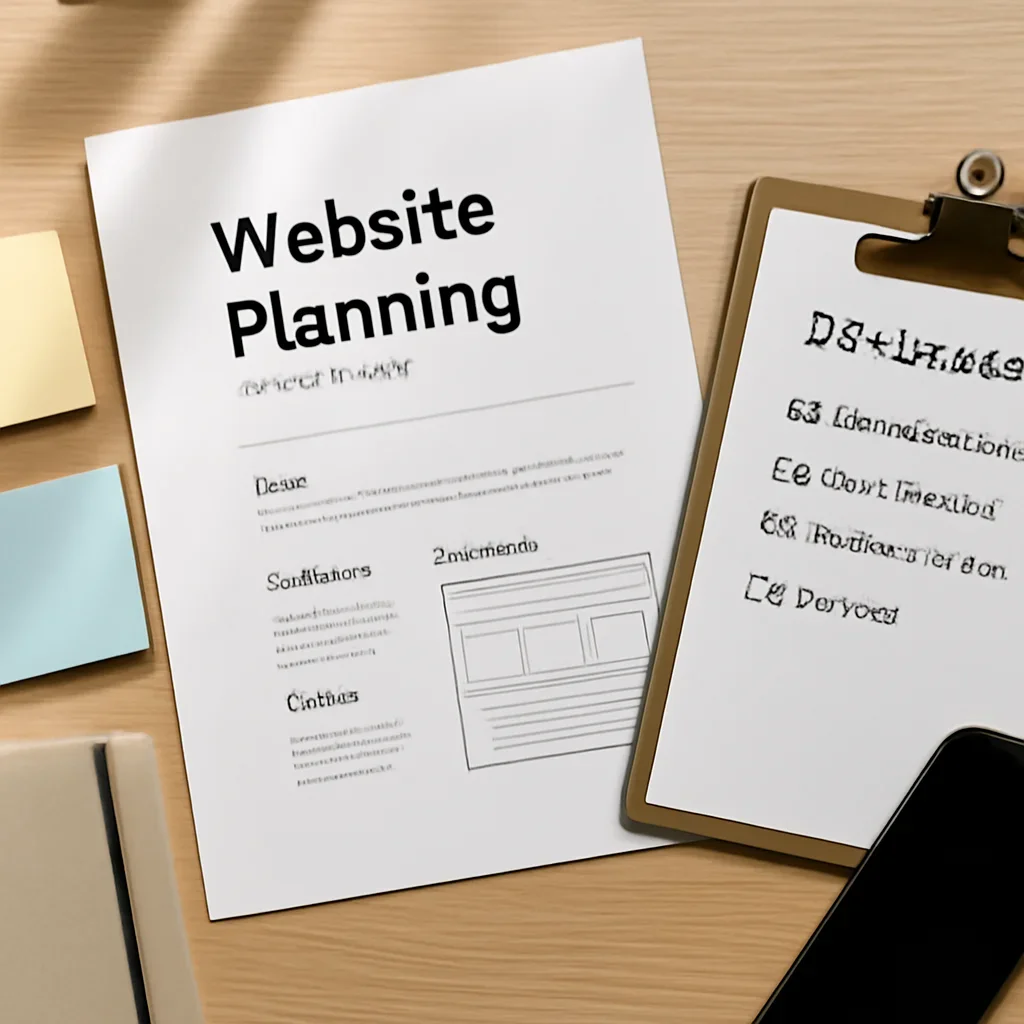
Launch readiness becomes easier to manage when the site is reviewed by page, owner, requirement and final approval status.
Start with the launch foundation
A page can look finished while still sending leads to the wrong inbox, showing old service information, exposing a staging setting or making an important action difficult on mobile.
The most useful website QA checklist starts with the business outcome. Decide what a successful visit should look like, then verify every page, button, form and tracking event against that goal.
Complete pre-launch website checklist
Use these categories as a working launch review. The specific tasks will vary by platform, integrations, business model and whether the project is a new website, redesign, ecommerce build or location expansion.
Hyperlocal Vancouver launch reality
A Downtown Vancouver professional firm, a Kitsilano clinic, a Mount Pleasant studio and a Metro Vancouver service business do not need identical location, contact or conversion structures.
Before launch, confirm that local content describes real customer access, service delivery and geographic coverage. Avoid publishing thin city pages that only replace the place name.
Check suite details, appointment or consultation paths, transit or parking guidance when relevant, business hours and the credibility information needed for higher-consideration services.
Review mobile calls, booking actions, neighbourhood relevance, service details, accessibility information and any location-specific instructions customers need before visiting.
Confirm that brand presentation does not hide practical information such as availability, service boundaries, product details, project fit or the fastest way to contact the business.
Check whether Burnaby, Richmond, Surrey, North Vancouver, Coquitlam or Langley pages each serve a real search and customer need instead of duplicating one regional template.
Use the real business name, a precise public address when customers visit, or an accurate service area when the business travels to customers. Check the same details across the website and business profiles.
Call the displayed number, submit the local form, open directions, review map pins and confirm that leads are routed to the person or branch responsible for that area.
Each page should answer why the service is relevant there, what is available, how the business serves the area and what the visitor should do next.
SEO, AEO and AI-readiness checks
Search visibility depends on more than keywords. The production website needs accessible pages, clean internal links, useful headings, accurate entities and content that gives direct answers before expanding into supporting detail.
For a redesign, map old URLs to the closest relevant new destination. Avoid redirecting every removed page to the homepage, and confirm internal links point directly to final URLs.
Confirm that staging passwords, temporary domains, development banners, placeholder content, blocked indexing and test integrations are not carried into the public launch.
Check that important pages state who the service is for, what is offered, where it is available, how the process works and which next step is appropriate.
Website launch timeline
The exact schedule depends on project complexity, but the sequence should leave enough time to fix problems before real customers and search engines reach the production site.
Approve the sitemap, page copy, business facts, imagery, legal or policy content, forms, integrations and responsibilities for unresolved items.
Test desktop and mobile journeys, forms, links, redirects, indexing settings, accessibility basics, analytics and production backups.
Confirm HTTPS, navigation, key landing pages, forms, phone links, analytics, sitemap access and the most important old-to-new redirects.
Review crawl issues, form delivery, conversion events, broken links, user questions, mobile behaviour and any unexpected production errors.
Name one decision-maker who confirms the business information, scope and public launch. Distributed feedback is useful, but launch approval should not remain ambiguous.
Confirm who can restore a backup, update DNS, disable a broken integration or return to the previous version if a critical issue appears.
Test each form and conversion path with the people responsible for replying. A successful submission is not useful when the notification reaches an inactive or unmonitored inbox.
Launch standards and trustworthy references
A checklist is most trustworthy when it distinguishes practical project guidance from legal advice, formal accessibility conformance and platform-specific requirements.
Review how preferred URLs are included in a sitemap and how the sitemap can be made available to Google.
Read Google’s sitemap guidanceReview accurate representation of the business name, address or service area, hours and other local business information.
Read Google’s business guidelinesUse WCAG resources when reviewing content, navigation, keyboard operation, contrast, alternatives and other accessibility requirements.
Review WCAG resourcesBC private-sector organizations that collect, use or disclose personal information should review applicable privacy responsibilities.
Review BC privacy resourcesContinue planning your website
Move from the checklist to timeline, pricing, design approach or direct launch support without repeating the same planning work.
Website launch checklist FAQs
Use these answers to identify the checks that belong to the business owner, content team, designer, developer or marketing partner.
Testing should begin as soon as complete pages and important journeys are available. Do not wait until launch day to review forms, mobile layouts, content, redirects, analytics or local business information.
The final approval should include a business decision-maker and the people responsible for content, technical delivery and customer inquiries. One named person should confirm the public launch decision.
Confirm that priority pages can be crawled and indexed, preferred URLs are canonical, important old URLs redirect correctly, internal links use final destinations and the XML sitemap contains the live URLs you want search engines to discover.
Submit every form on desktop and mobile, verify required fields and error messages, confirm the success message, check that notifications reach the correct recipient and test any CRM, email or booking integration.
Verify the real business name, public address or service area, phone number, hours, appointment details, service coverage and any location-specific instructions. Keep these details consistent with the business’s public profiles.
Keep useful existing URLs when they still match the content and strategy. When a URL changes or a page is removed, create a relevant redirect rather than leaving valuable links and visitors at an error page.
Monitor form delivery, calls or bookings, analytics events, indexing, crawl errors, broken links, redirect problems, mobile issues, security alerts and the customer questions that reveal unclear content.
No. It provides general planning prompts. Formal accessibility conformance, privacy obligations, legal requirements and security controls may require specialized assessment based on the organization and website.
Prepare for a cleaner go-live
Share the current site or staging link, the planned launch date, required pages, integrations and the checks that remain unresolved. The next step can be scoped around launch readiness, redesign support or a complete website project.
Need to ask a question first? Contact the team with your project stage and preferred launch timing.

A documented final review reduces ambiguity and gives the team a clear plan for launch day and the first week after publishing.